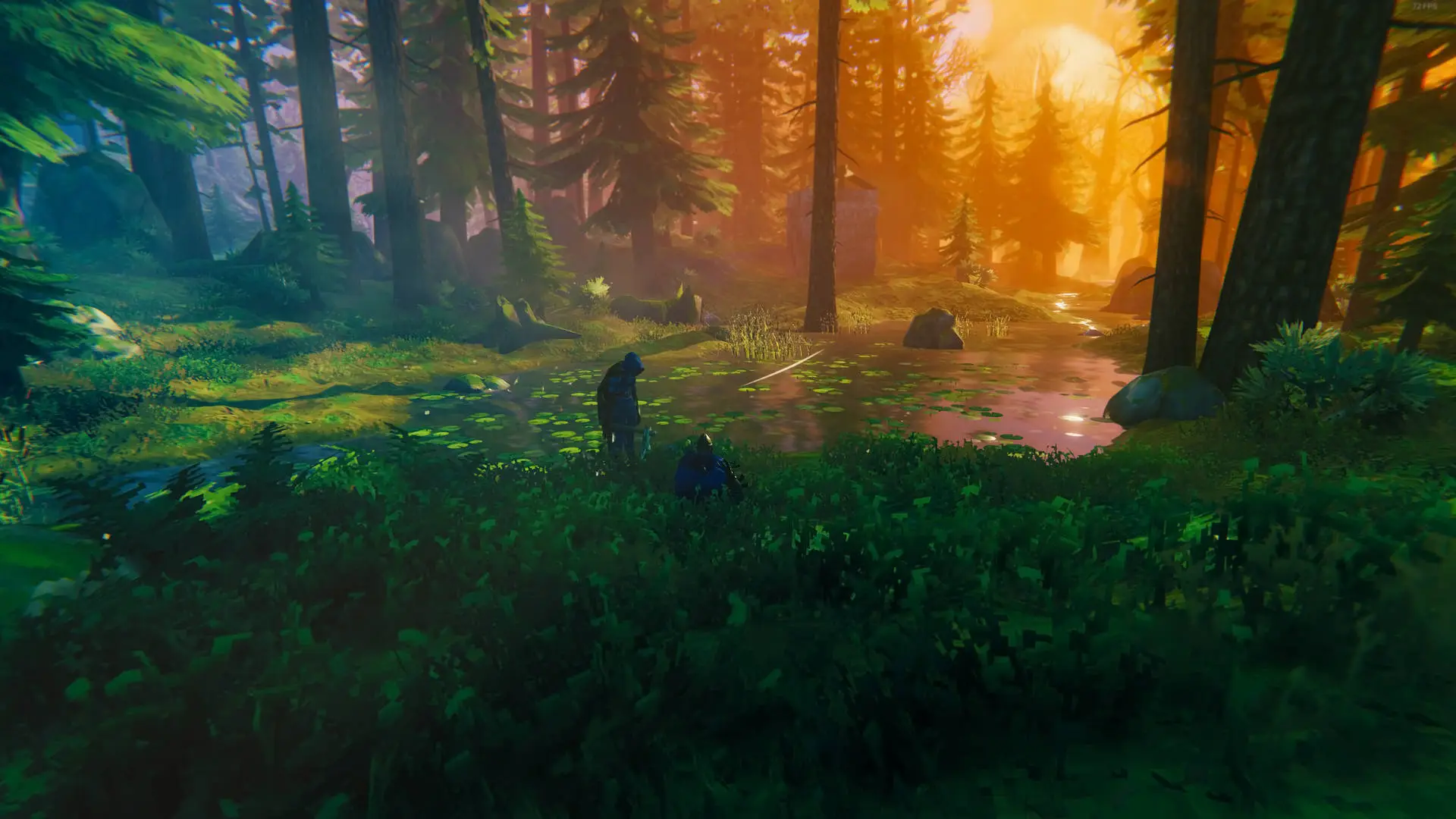
Valheim Server Hosting
Instant Activation
Don't wait any longer to start your adventure. Buy your plan and access your server instantly.
Unlimited Slots
Invite all the friends you want. We don't set limits on the number of players on your server.
NVMe Drive
Enjoy a smooth gaming experience. The speed of our NVMe disks eliminates stutters and speeds up map loading.
DDoS Protection
Play with complete peace of mind. Our network protects you from any attack so your game is never interrupted.
Full access to your files
Take full control. Upload your worlds, plugins, and mods easily through our panel or via FTP access.
Our Valheim Hosting Plans
2 GB
Starting at
3 GB
Starting at
4 GB
Starting at
5 GB
Starting at
6 GB
Starting at
Rent a Valheim server for your group
When you rent a Valheim server from us, your group gets a persistent world that remains available even when the person who started the game is offline. Everyone can continue building, gathering resources, or preparing for the next boss without relying on one player’s computer. We activate the server after purchase and give you a control panel to manage it.
You can create a world with a new seed or bring over the one your group already plays in. Upload its .fwl and .db files through FTP, select the world in the panel, and continue with the same buildings and progress.
Configure your dedicated Valheim server
Our control panel lets you set the server password, adjust the world settings, manage available backups, and enable crossplay between PC and Xbox. You can make these changes without editing configuration files by hand.
For a modded Valheim server, FTP access lets you add BepInEx, Valheim Plus, and other compatible mods. Some mods must also be installed on each player’s computer, so check their requirements before inviting the group back into the world.
Private Valheim server hosting
Our Valheim private servers keep your world online around the clock, so nobody in your group has to host the game or leave a PC running. Everyone can join when it suits them, while your buildings, resources, and progress remain available. From the control panel, you can set a password, choose the world seed, and decide who has access.
Each dedicated server for Valheim uses NVMe storage and RAM assigned to your world. This gives your group consistent performance when players split up to explore different biomes, sail across the map, or take on bosses at the same time. We also give you FTP access, making it easy to move an existing world to our infrastructure.
Hosting for modded Valheim servers
The best server hosting for Valheim should make mods as easy to manage as the base game. On our servers, you can install BepInEx, Valheim Plus, and other compatible mods through FTP, then restart the server to make them available to the whole group. You can also enable crossplay between PC and Xbox whenever your chosen configuration supports it.
Frequently Asked Questions
How to create a Valheim server? ⌄
Creating your server is fast and simple. Choose a plan, complete your purchase, and your server will be online instantly. You can upload an existing world or start a fresh adventure right away.
How to host a Valheim server? ⌄
Hosting a Valheim server with Olimpo Hosting takes just a few minutes. Pick a plan based on your group size and whether you use mods, complete checkout, and your dedicated server starts automatically. In the control panel, set a password, choose or upload a world, and share the IP with your friends. In Valheim, select Join IP and enter the server address—your PC does not need to stay on for others to play.
How much RAM does a Valheim server need? ⌄
For groups of up to 10 players without mods, 2 GB of RAM works well. With active mods like Valheim Plus or several players exploring different biomes at the same time, 3 GB gives you more headroom. For servers with 10 or more players running heavy mods, we recommend 4 GB.
Can I upload my existing Valheim world? ⌄
Yes. Upload your world’s .fwl and .db files to the /worlds folder via FTP and select that world from the panel. Your builds and progress are preserved.
Does the server stay online when I am disconnected? ⌄
Yes. The server runs continuously on our systems. Your friends can connect and play even when you are offline.
Does it support crossplay between PC and Xbox? ⌄
Yes! Our Valheim servers fully support crossplay. You can easily enable it from the control panel so PC (Steam/Game Pass) and Xbox players can join the same world without issues.
Can I install mods like Valheim Plus? ⌄
Absolutely. You have full FTP access to install Valheim Plus, BepInEx, and any other mods you want to customize your Viking experience.
Can I try the service before committing to a full month? ⌄
You can start with the monthly plan from $5.80 with no commitment. If you want to reduce long-term costs, quarterly, semi-annual, and annual plans offer discounts of 10%, 15%, and 20% respectively.
What will your next adventure be?
Discover all the games we offer and find the perfect server for you and your friends.