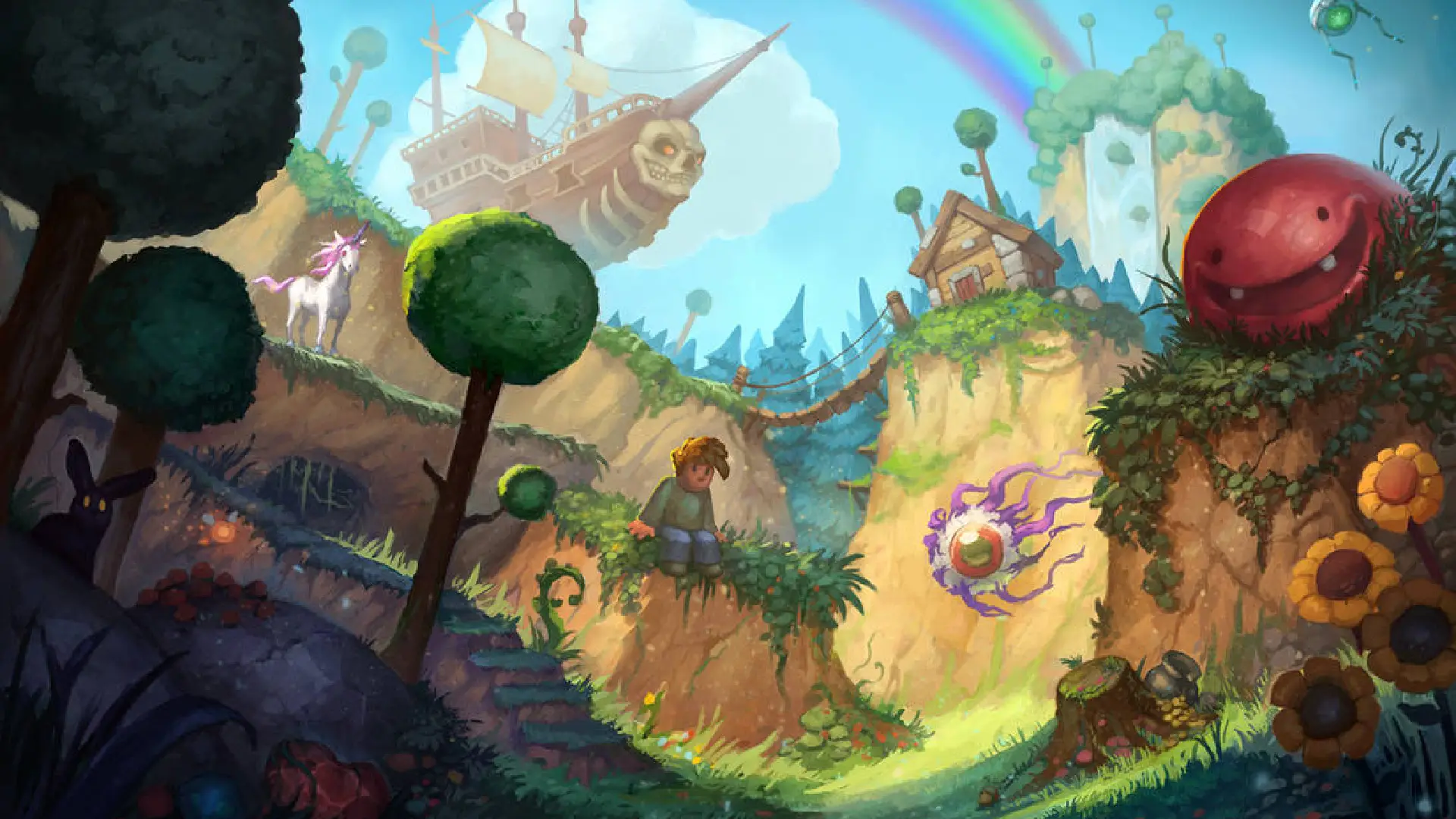
Terraria Server Hosting
Instant Activation
Don't wait any longer to start your adventure. Buy your plan and access your server instantly.
Unlimited Slots
Invite all the friends you want. We don't set limits on the number of players on your server.
NVMe Drive
Enjoy a smooth gaming experience. The speed of our NVMe disks eliminates stutters and speeds up map loading.
DDoS Protection
Play with complete peace of mind. Our network protects you from any attack so your game is never interrupted.
Full access to your files
Take full control. Upload your worlds, plugins, and mods easily through our panel or via FTP access.
Our Terraria Hosting Plans
2 GB
Starting at
3 GB
Starting at
4 GB
Starting at
5 GB
Starting at
6 GB
Starting at
Bring your Terraria world to our servers
You can start a new Terraria world on our platform or continue one you already share with your group. Upload the world file through FTP, select it from the control panel, and continue with the same buildings and world progression.
Once the server is running, you can use the panel to change the password and difficulty, access the console, and manage the available backups. We keep these controls in one place so routine changes do not require a manual edit to the configuration files.
Resources for a dedicated Terraria server
Large worlds and mod packs place a heavier load on the server, particularly when several players explore separate areas or fight bosses at the same time. Our plans let you choose the resources that fit the world you are hosting and upgrade later if the group or mod list grows.
We also provide FTP access for tModLoader and custom files. Before adding a mod, check that every player uses a compatible game and mod version; this prevents most connection errors when the group returns to the server.
Terraria hosting for a persistent multiplayer world
Our Terraria servers keep your world available when the person who created it is offline. Your group can join whenever they want, continue a build, gather materials, or prepare for the next boss without relying on one player’s computer.
We run each world on NVMe storage and give you a control panel for the settings you use most. You can change the difficulty, set a password, manage the players who have access, and use the web console without editing files by hand.
Modded Terraria servers with tModLoader
If you want to play Calamity, Thorium, or another tModLoader mod, you can upload the required files through FTP and manage them from the same panel. Choose a plan based on the size of your world, the number of players, and the mods your group intends to use.
Frequently Asked Questions
How to create a Terraria dedicated server? ⌄
Choose a plan, complete the checkout, and we will activate your Terraria server. From the control panel, you can create or upload a world, set its difficulty and password, and share the connection details with your group.
What are the most useful Terraria server commands? ⌄
Use "help" to list the available commands, "save" to save the world manually, "kick" and "ban" to manage players, and "password" to change the server password. You can run these commands from our web console.
Can I install mods on my Terraria server? ⌄
Yes. Our servers support tModLoader, and FTP access lets you upload mod files and other custom content. Make sure the server and every player use compatible versions of Terraria, tModLoader, and the selected mods.
Where are the servers located? ⌄
We offer locations in North America, South America, and Europe. Choose the region closest to most of your players to reduce connection latency.
Can I upgrade my server later? ⌄
Yes. You can upgrade the plan from your client area if your world, player count, or mod list needs more resources. Your existing world remains on the server after the plan change.
What will your next adventure be?
Discover all the games we offer and find the perfect server for you and your friends.