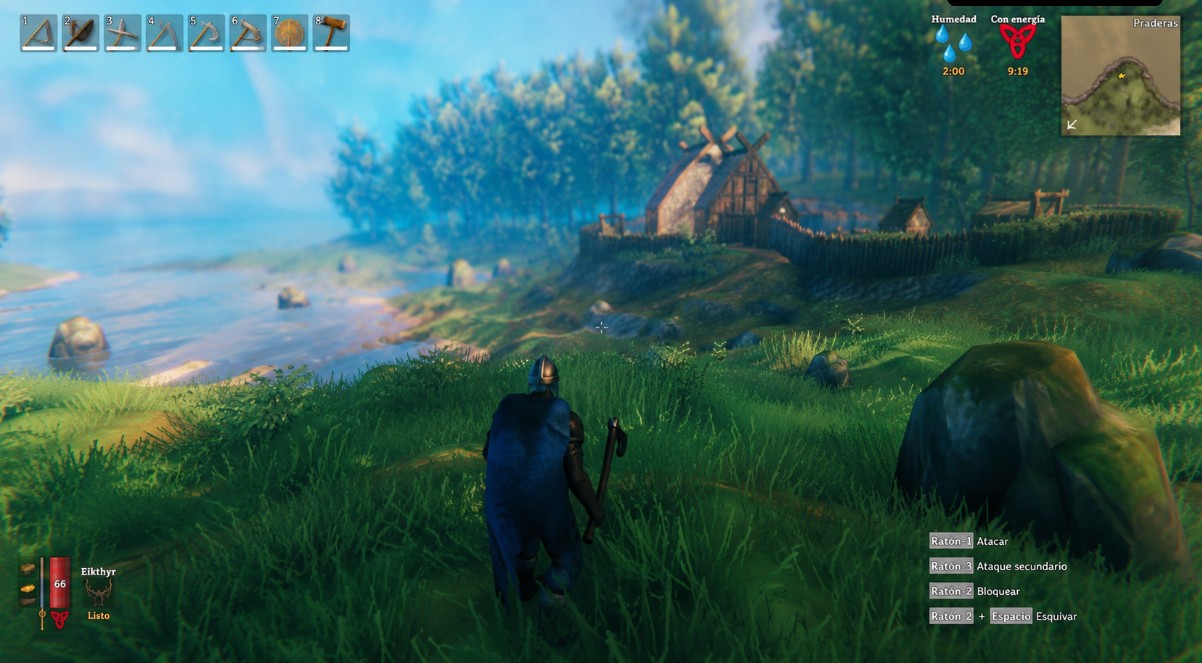
Valheim Commands: Complete List and How to Enable Them
Valheim includes a command console that lets you modify your world, administer a server, and spawn items without limits. Some commands are handy for unrestricted exploration; others are essential if you run your own server with multiple players. This guide lists the most used ones by function and explains how to enable them step by step.
How to Open the Command Console
Before typing any command, you need to enable the console from the game launcher. On Steam, open the game properties and add -console to the launch options field. Once in-game, press F5 to open the console window. Without that launch parameter, F5 does nothing.
From there, two commands act as keys to unlock the rest:
devcommands: toggles developer command mode. It is the required first step for almost every command on this list.imacheater: older equivalent ofdevcommands, still works on some versions.
When you enable devcommands, a warning appears on screen and achievements are disabled for that session. On a dedicated server, the command only works if you have administrator permissions.
God Mode and Exploration Commands
These are the most searched because they remove base-game limitations and open options that otherwise take hours of progression.
god: toggles god mode. While active, your character takes no damage from enemies, falls, or hunger. Typegodagain to turn it off.ghost: enemies stop detecting you. Useful for exploring high-level zones without combat.fly: lets you fly freely across the map. Requiresdevcommandsto be active.heal: instantly restores health and stamina to maximum.puke: empties your stomach and resets food buffs. Handy when you want to change your diet with food already active.exploremap: reveals the entire map without having explored it.resetmap: undoes map exploration and returns to the initial state.
Time and Weather Commands
Valheim generates weather conditions that affect sailing and combat. These commands let you change them manually.
tod [0-1]: changes time of day.0is midnight and0.5is noon. For example,tod 0.5places the sun at its peak.env [name]: changes the weather environment. Valid values includeClear,Snow,Rain, orThunderStorm.wind [angle] [intensity]: adjusts wind direction and strength, relevant for longship navigation.sleep: advances time to the next sunrise, same as sleeping in a bed.
Commands to Spawn Items
The spawn command is Valheim’s most versatile. Its syntax is spawn [item_name] [amount] [level]. The item name uses the game’s internal ID, not the on-screen name.
Common examples:
spawn Wood 100: spawns 100 wood.spawn SwordBlackmetal 1 3: spawns a level 3 blackmetal sword.spawn Coins 999: spawns 999 gold coins.spawn TrophyDraugr 1: spawns a Draugr trophy for altar offerings.
If the item name has incorrect capitalization or a wrong character, the command spawns nothing and shows no error. Use the game’s internal naming exactly.
Position and Teleport Commands
pos: shows your character’s current coordinates as X, Y, Z.goto [x] [z]: teleports your character to those coordinates. The Y axis (height) is calculated automatically.killall: instantly kills all enemies near your character.removedrops: removes all dropped items on the ground in the area. Useful for clearing lag from accumulated drops in dungeons.
Server Administrator Commands
If you run a Valheim server with several players, these commands help you keep order, manage users, and force manual saves. To use them, your SteamID must be listed in the server’s adminlist.txt file.
kick [name]: kicks a player from the session. The name must match exactly what appears in the player list.ban [name]: adds the player to the server ban list.unban [steamID]: removes the ban for that SteamID.banned: shows the full list of banned players.save: forces an immediate world save without waiting for the automatic cycle.ping: shows your current ping to the server.players [n]: scales enemy difficulty based on the player count given.players 0restores default behavior.
Running a Valheim server smoothly depends on knowing these commands and having stable infrastructure. If you want to play with friends without the limits of a local host, Olimpo Hosting offers dedicated Valheim servers with an admin panel included, where you can apply all these commands directly from your account.
Other Useful Commands
info: shows system information: game version, memory usage, and general status.printseeds: prints the seed of dungeons generated in the current area.resetcharacter: resets character skills to level 0. Does not clear inventory.setkey [key]: activates a global world key, which can unlock events or change game behavior.lodbias [number]: adjusts terrain level of detail. Values between 1 and 5; lowering the number improves performance on low-end machines.
Frequently Asked Questions About Valheim Commands
Do commands disable achievements?
Yes. As soon as you enable devcommands, Steam flags the session and achievements are blocked until you restart the game without the mode active. Achievements already unlocked are not lost.
Do commands work in multiplayer?
It depends on context. On a dedicated server, only the administrator can run developer commands. Other players can type them, but the game rejects them without admin rights. Admin commands like kick or ban always require administrator access.
Does god mode affect hunger?
No. god mode protects against damage, but your character still consumes food over time. When food buffs run out, health and stamina drop to their base values.
How do I find an item’s internal name for spawn?
The official Valheim wiki in English lists all internal identifiers under «Item IDs». You can also use the console autocomplete: type spawn and press Tab to see suggestions based on the characters you entered.