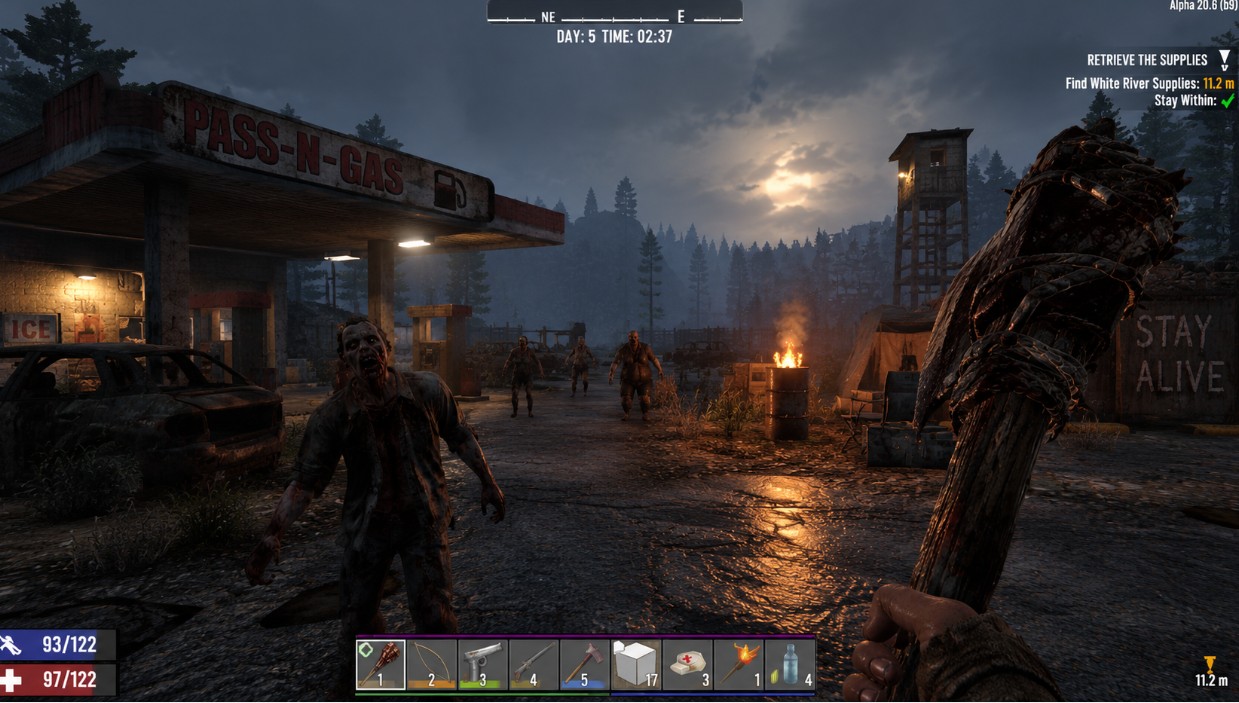
Is 7 Days to Die crossplay? PC, PS5 and Xbox
Yes. 7 Days to Die supports crossplay between PC (Steam), PlayStation 5 and Xbox Series X|S. Cross-platform play arrived with V1.2 in December 2024; the older PS4 and Xbox One editions are not included.
To play together, everyone needs a compatible game version and a session that accepts console players. For a mixed-platform group, start with a vanilla game, enable crossplay and keep Easy Anti-Cheat switched on. Owning the game on a supported platform does not make every server compatible.
Which platforms support 7 Days to Die crossplay?
| Platforms | Crossplay support |
|---|---|
| PC (Steam) and PS5 | Yes |
| PC (Steam) and Xbox Series X|S | Yes |
| PS5 and Xbox Series X|S | Yes |
| PS4 or Xbox One with current platforms | No: these are legacy editions |
| Nintendo Switch | No: there is no Switch edition |
Crossplay is not cross-progression. It lets players on different platforms share a session, but it does not provide automatic transfer of characters or saves between Steam, PlayStation and Xbox. Do not expect your existing character to follow you when you switch platforms.
How to crossplay in 7 Days to Die
First, have everyone enable crossplay. Look for Crossplay Enabled under Options → General, turn it on and restart the game if prompted. Menu labels can change between releases. On PC, launch with Easy Anti-Cheat enabled, rather than choosing an unprotected launch option.
Check the version displayed by every client before trying to join. A PC player on an experimental branch may not be compatible with friends using the stable console release.
Play with friends without a dedicated server
One straightforward option is for a PC player to host an unmodded game with crossplay and EAC enabled. Console players can open Join a Game, select the peer-to-peer section and search for the host. If a name search does not find the session, try the host’s SteamID and clear unrelated filters.
Do not rely exclusively on a Steam, Xbox or PlayStation invitation: finding the session through the game’s browser is the useful fallback when players are on different networks. Share the session details and password, if one is set.
The host must stay in the game for others to play. The save remains after the host leaves, but the session is no longer available until they host it again.
Join a crossplay server
A dedicated server keeps the world available without depending on a player’s PC. On PS5 and Xbox Series X|S, find compatible servers by name in the in-game browser; do not expect the PC-style direct-IP option. PC players can use the browser or connect by IP where supported.
The server must be visible in the browser and configured to accept consoles. If it appears on PC but not on console, check the server settings before assuming it is offline.
7 Days to Die crossplay server settings
A dedicated server is not necessarily ready for crossplay out of the box. The Fun Pimps’ official crossplay server requirements specify four essential settings:
ServerAllowCrossplay:true.EACEnabled:true.IgnoreEOSSanctions:false.ServerMaxPlayerCount: 8 or lower.
The player limit is the configured capacity, not just the number currently online. A 20-slot server with two players connected does not meet the eight-slot requirement.
For a public listing, a configuration example in serverconfig.xml is:
<property name="ServerAllowCrossplay" value="true"/>
<property name="IgnoreEOSSanctions" value="false"/>
<property name="ServerMaxPlayerCount" value="8"/>
<property name="EACEnabled" value="true"/>
<property name="ServerVisibility" value="2"/>
Update existing properties rather than adding duplicate entries. Back up the configuration first and restart the server after applying changes. If your hosting panel manages these values, use its configuration controls so that a generated file does not overwrite your edits.
ServerVisibility set to 2 makes the listing public. Public visibility does not mean you must leave the world unprotected: you can still set a password. Keep the default network protocol configuration unless your provider instructs otherwise, and do not disable LiteNetLib when configuring console connectivity.
World size also matters for console compatibility. An 8192-sized world or smaller is a common hosting recommendation, but confirm the supported size for the current release before generating a large map.
Gameplay settings accepted by crossplay servers
The official requirements page lists these ranges:
| Setting | Crossplay range |
|---|---|
XPMultiplier | 25–300 |
DayNightLength | 10 or higher |
BloodMoonEnemyCount | 4–64 |
AirDropFrequency | 24 or higher |
BlockDamagePlayer | 25–300 |
BlockDamageAI | 25 or higher |
BlockDamageAIBM | 25 or higher |
LootAbundance | 200 or lower |
LootRespawnDays | 5 or higher |
These are the published compatibility ranges, not a reason to copy an old configuration file into a newer server. V3.0 introduced expanded Sandbox Options, so check the current configuration template and its SandboxCode workflow for settings managed through presets rather than separate XML properties.
If a console reports non-standard settings, use the setting named in that message to identify the problem. Restore a compatible value and test again before changing unrelated options.
Mods and crossplay in 7 Days to Die
For a group that includes PS5 or Xbox players, use a vanilla server. Console players cannot install the PC mods a modded world may require. Mods that need EAC disabled also conflict directly with the crossplay requirement to keep it enabled.
Not every PC mod disables EAC, but that does not make it console-compatible. A server can accept PC players while remaining unavailable to consoles. Treat overhaul setups such as Darkness Falls as PC-only rather than assuming console friends can join.
That leaves two different setups:
- Mixed PC and console group: vanilla, crossplay enabled and a maximum of eight configured slots.
- PC-only modded group: choose resources and player capacity for the mod pack. The console crossplay cap is not the governing limit, but the game’s limits and available server resources still apply.
If your PC group wants mods, Olimpo Hosting’s 7 Days to Die server hosting includes mod support and FTP access for uploading files. For a crossplay group, keep the installation vanilla and check the compatibility settings before inviting console players.
7 Days to Die crossplay not working: what to check
| Symptom | What to check |
|---|---|
| The server appears on PC but not on console | Crossplay enabled, capacity no higher than eight, EOS sanctions respected, public visibility and no incompatible mods |
| A non-standard settings message appears | Find the named gameplay setting and bring it within the accepted range |
| Easy Anti-Cheat authentication fails | EAC enabled on both server and PC client; if it is, check authentication services and synchronize the PC clock |
| A version mismatch appears | Client and server release numbers and branches; console and PC update availability may differ |
| A console player cannot connect by IP | Use the in-game server browser rather than PC direct-IP instructions |
| A PS4 or Xbox One player cannot join | The legacy editions cannot join current crossplay sessions |
| A friend’s hosted game disappears | Confirm that the host is still in the game and that browser filters are not hiding the session |
Read the server log after startup and after a failed connection. Search for crossplay compatibility warnings, including CROSSPLAY INCOMPATIBLE VALUE if your build uses that message. A log entry naming a rejected setting is more useful than repeatedly reinstalling the game. Log wording can vary between releases.
The official V3.3.0 release notes are dated 5 October 2026. That release date alone does not confirm that every member of your group has updated: compare the actual client and server versions before changing branches or restarting into an update.
Frequently asked questions
Is 7 Days to Die crossplay between PC and PS5?
Yes. Steam PC and PS5 players can share a compatible hosted game or dedicated server. Both need crossplay enabled, compatible versions and a setup that accepts console players. Use a vanilla installation and keep EAC enabled.
Is 7 Days to Die cross platform between Xbox and PC?
Yes, for Xbox Series X|S and PC. The older Xbox One edition is a legacy release and cannot join current crossplay games.
Is 7 Days to Die cross platform between Xbox and PS5?
Yes. Xbox Series X|S and PS5 players can join the same compatible crossplay session. The server must meet the console requirements; simply being online is not enough.
How many players can join a 7 Days to Die crossplay server?
The official dedicated-server requirements set ServerMaxPlayerCount to a maximum of eight. This applies to configured slots, even if fewer players are currently connected.
Can PS4 and Xbox One players use crossplay?
No. Those legacy editions are separate from the current PC, PS5 and Xbox Series X|S releases and cannot join their crossplay servers.
Before updating a shared server, confirm that the console players can use the same release. Once everyone is connected, our guide to 7 Days to Die console commands explains the tools for managing players, saving the world and administering the session.